

How to Withdraw in AGAM
1. On the left side of your screen, click on ACCOUNT
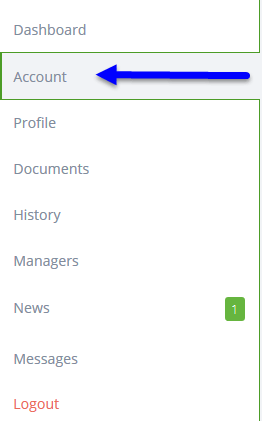
2. From the drop down menu, select Withdraw

3. Click on Next

4. On the left, Click on your Euro account to active your withdraw options

5. From the available options, click on your choice

Please NOTE: IF Bitcoin becomes unavailable, as shown above, it will available shortly. DO NOT PANIC. AGAM doesn’t allow Bitcoin to back up too much before they pull it off as an option.
6. Click on Next
7. Enter the amount of your Bitcoin withdraw

Please NOTE: The Minimum withdraw is 10 Euros
8. Enter the Bitcoin Account number to where you want the Bitcoin sent to
Please Note: Check the Account Number to Verify it is the correct Account that you are sending it to.
Once you have completed the transaction, there is NO RETURN!

9. Click on Next
10. Enter the security pin code

11. Click on Next
12. Congrats! You have completed your withdraw.
Please NOTE: You will receive an email confirming your withdraw request. It will take between 3-10 Business days to receive it.